Made in Vienna. In use in Austria, Switzerland and Germany.
Tango is an AI app for architecture, design and real estate.
A curated set of AI workflows, chosen to fit how your office works and running on your own hardware. We set it up in one day, train your team and keep it up to date.
Control, not chat. No ChatGPT, no Claude: professional image, video and text models, steered with sketches, references and masks. The prompt is one input among many.
A tango takes two. You lead, the AI follows.
or scroll down App details
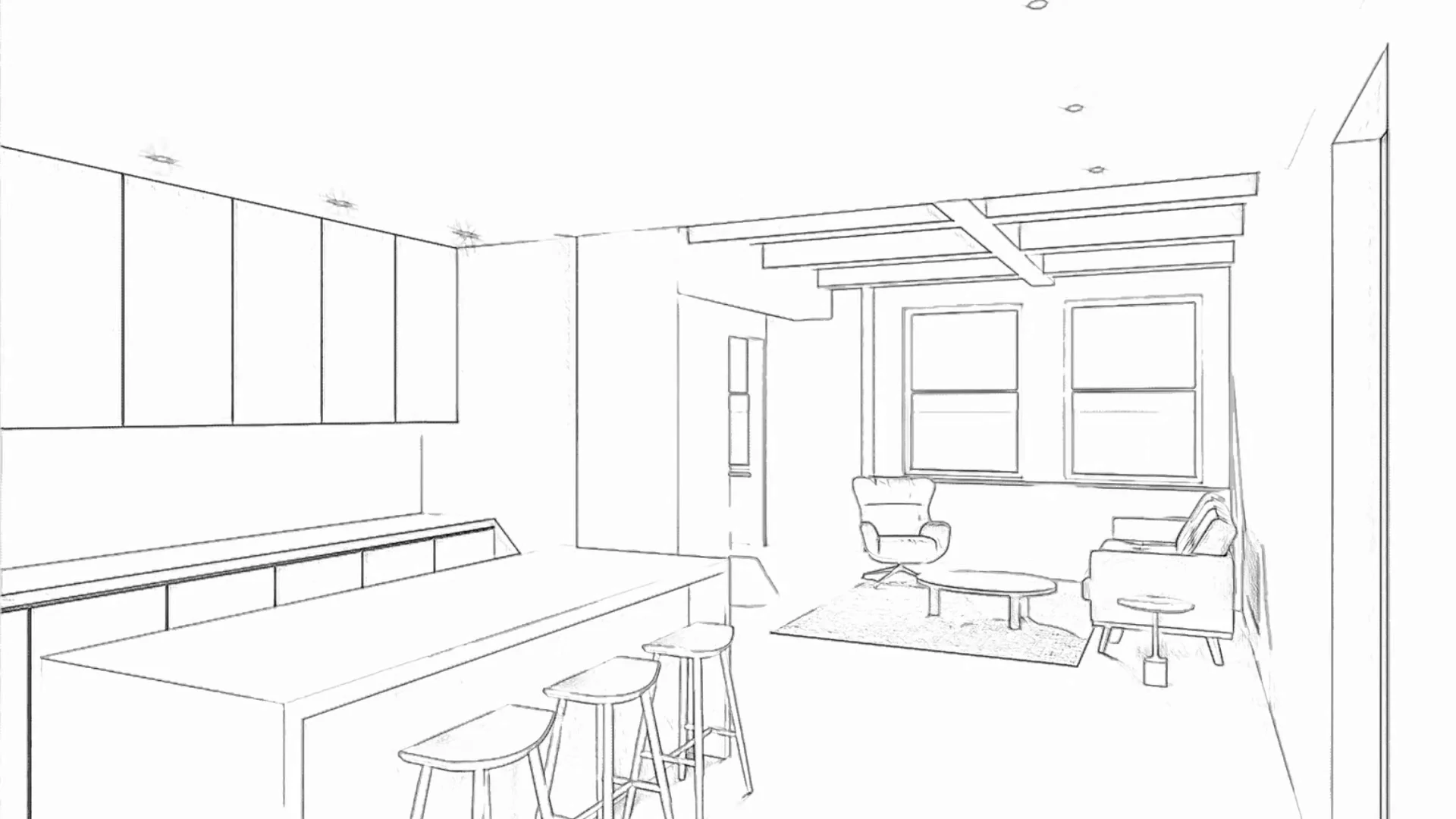
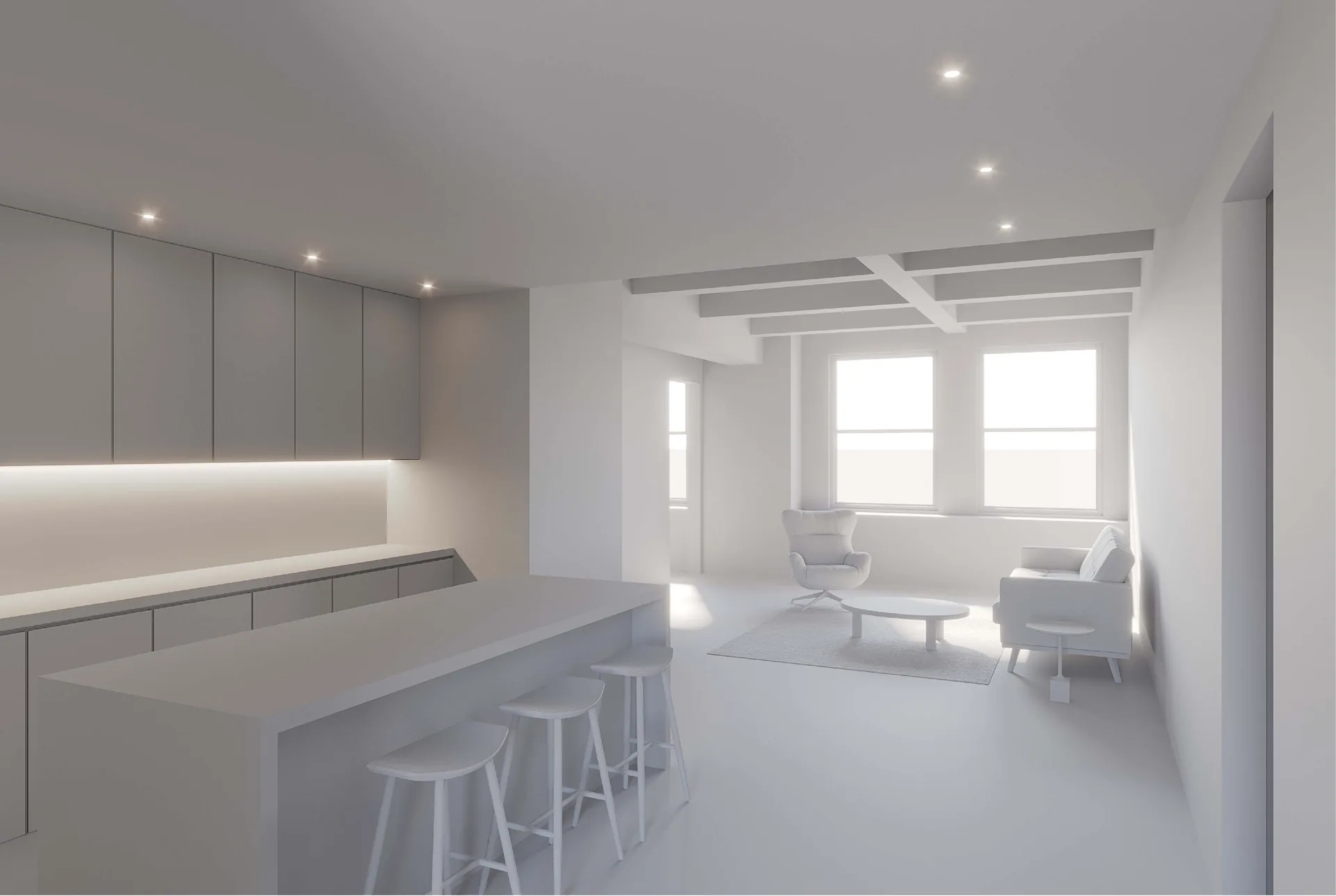
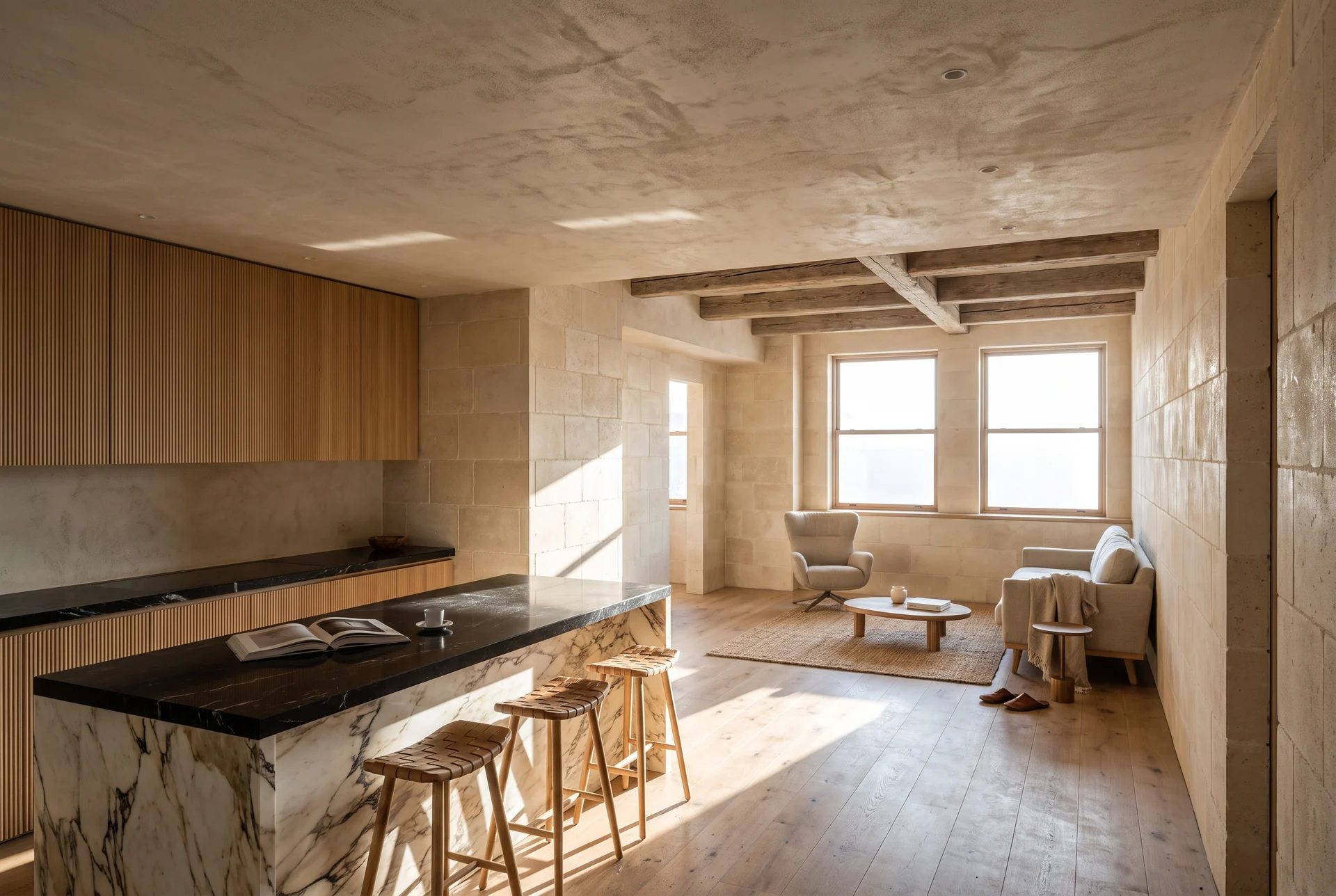
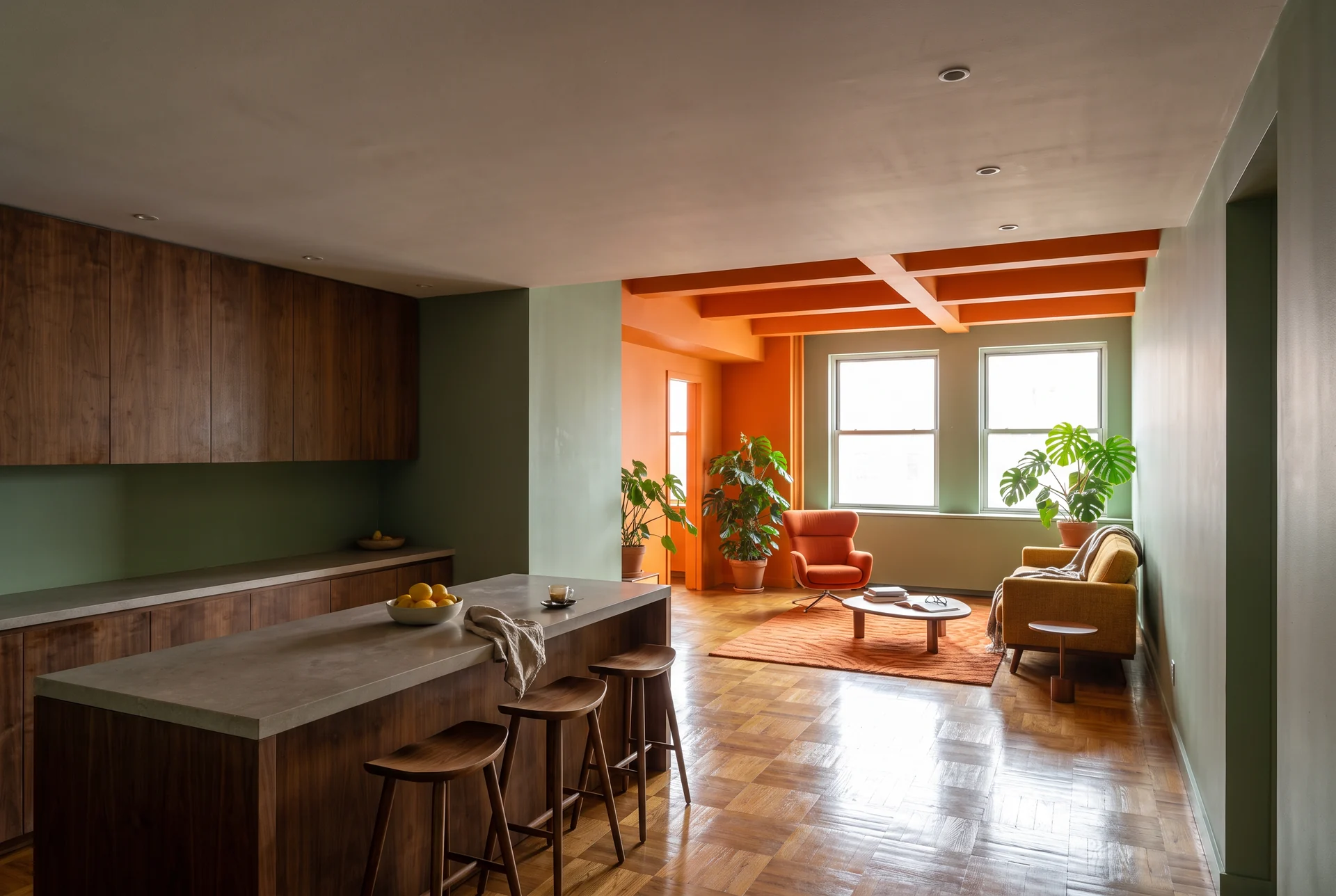
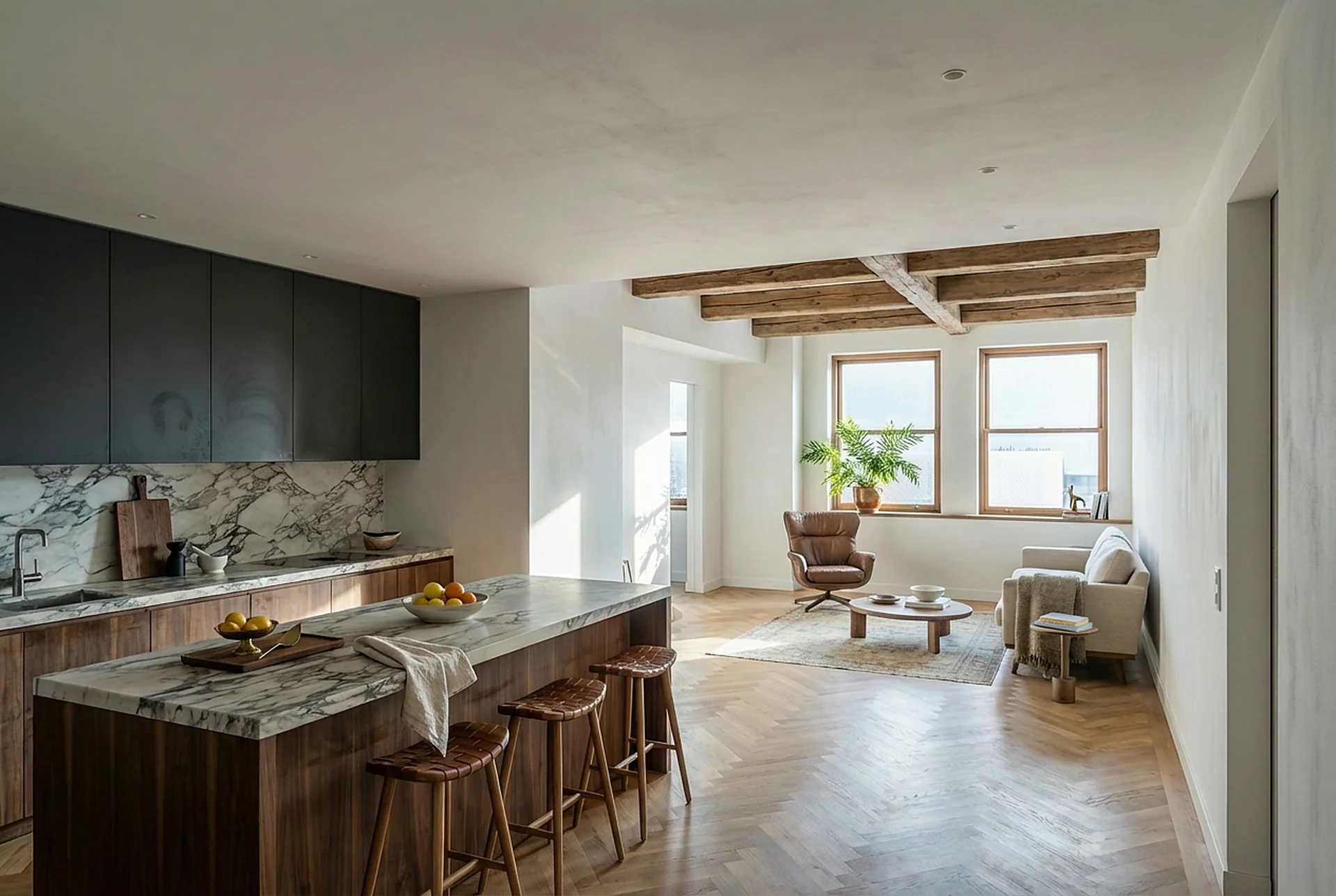
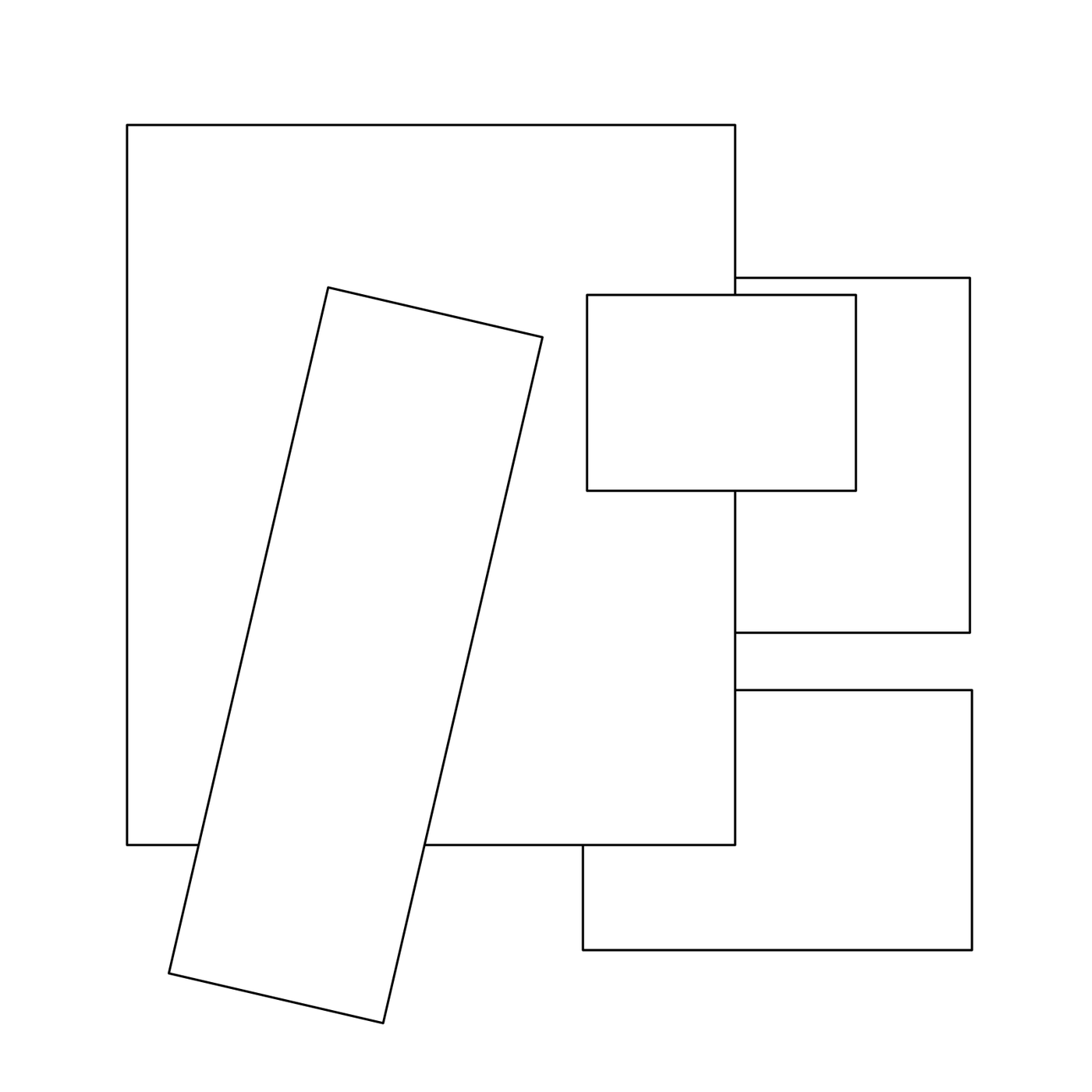
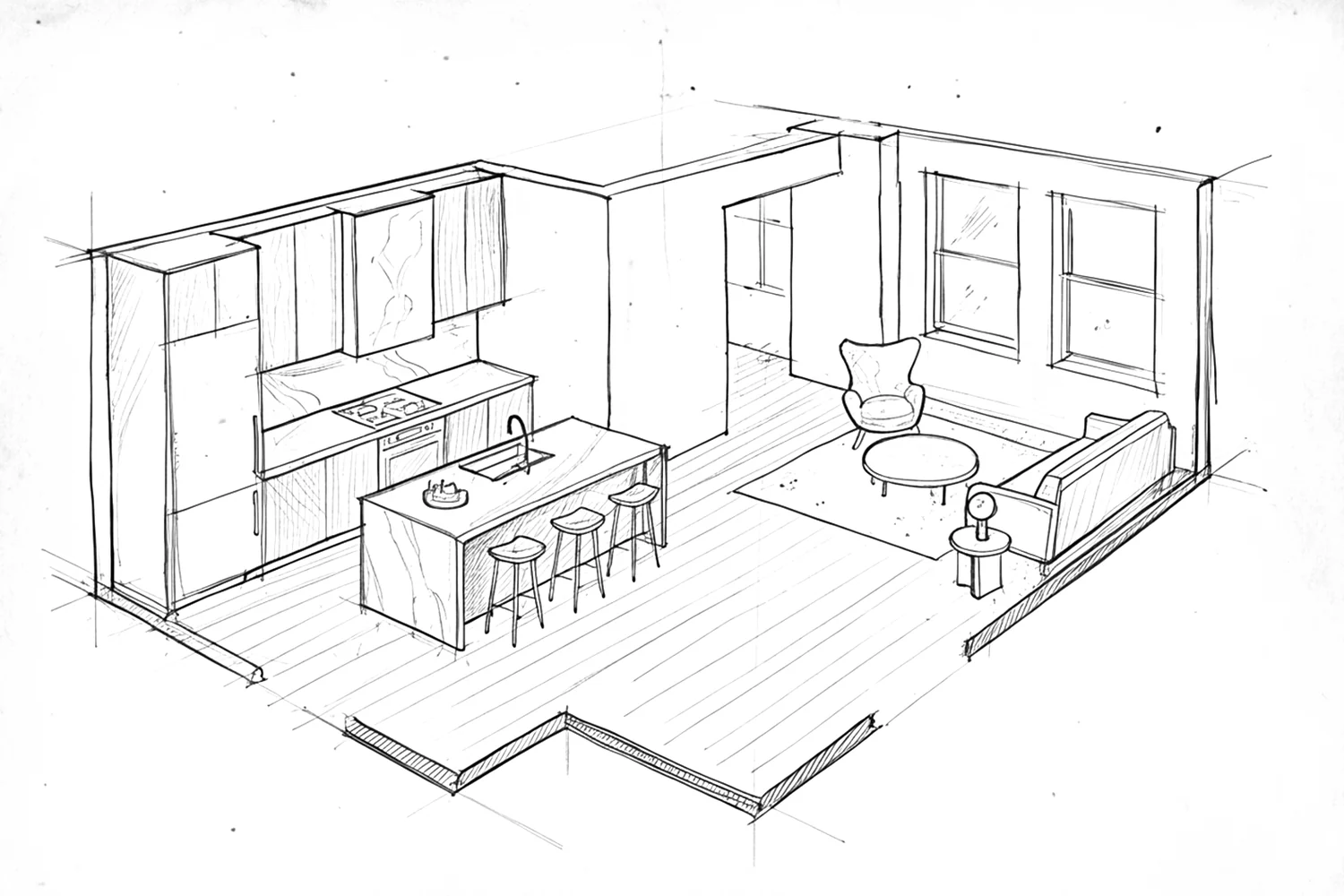
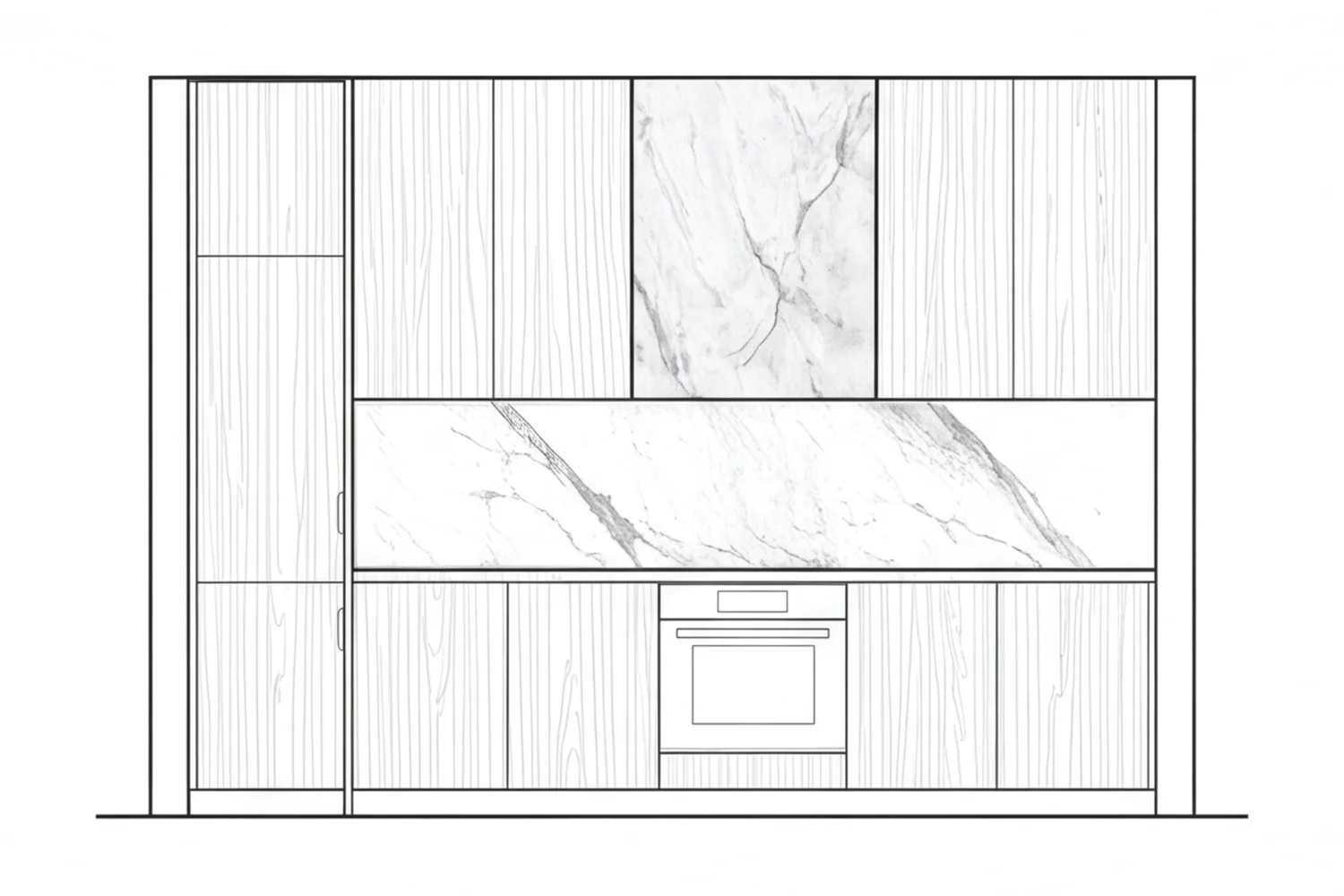
Upload a sketch.
Or upload a screenshot from your design space.
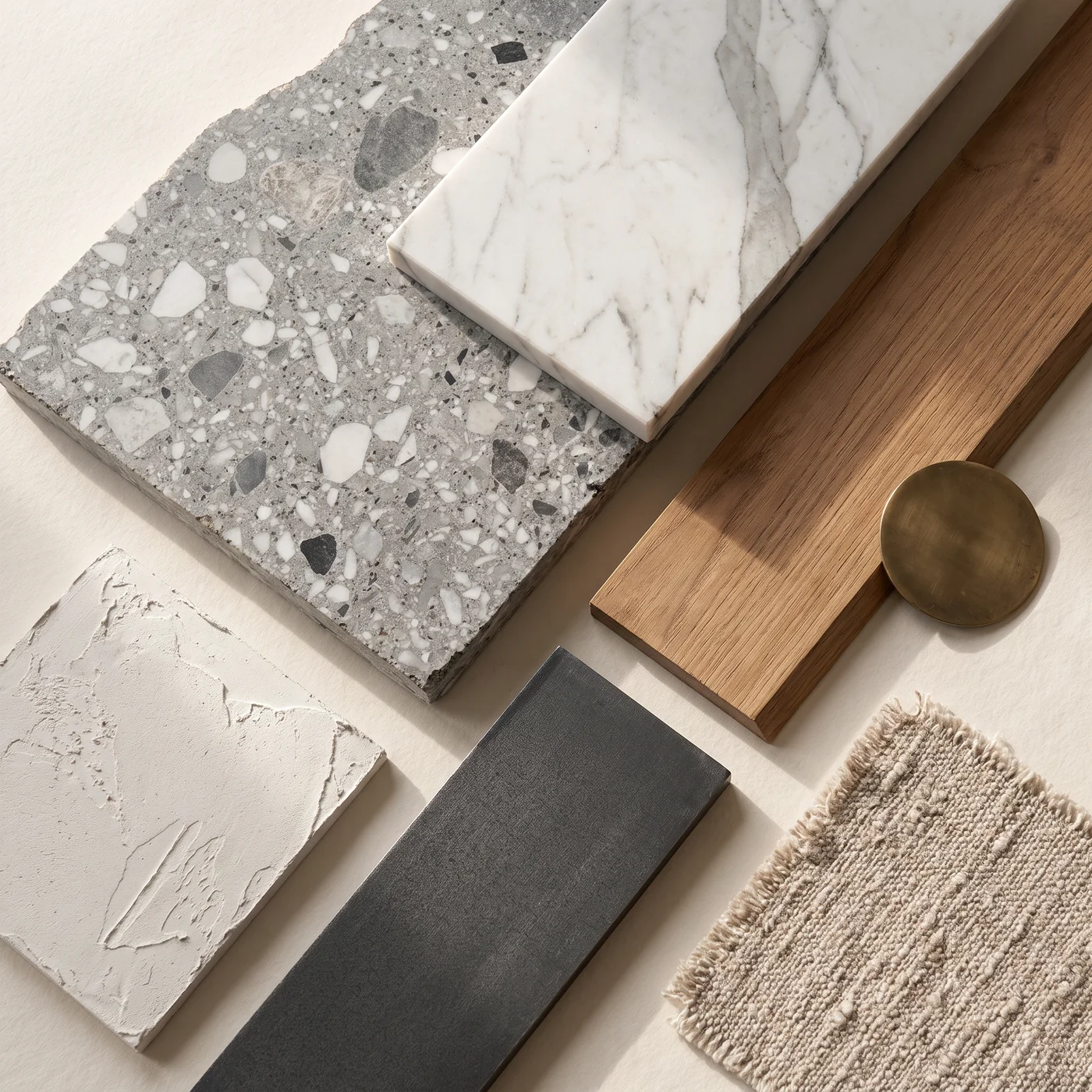
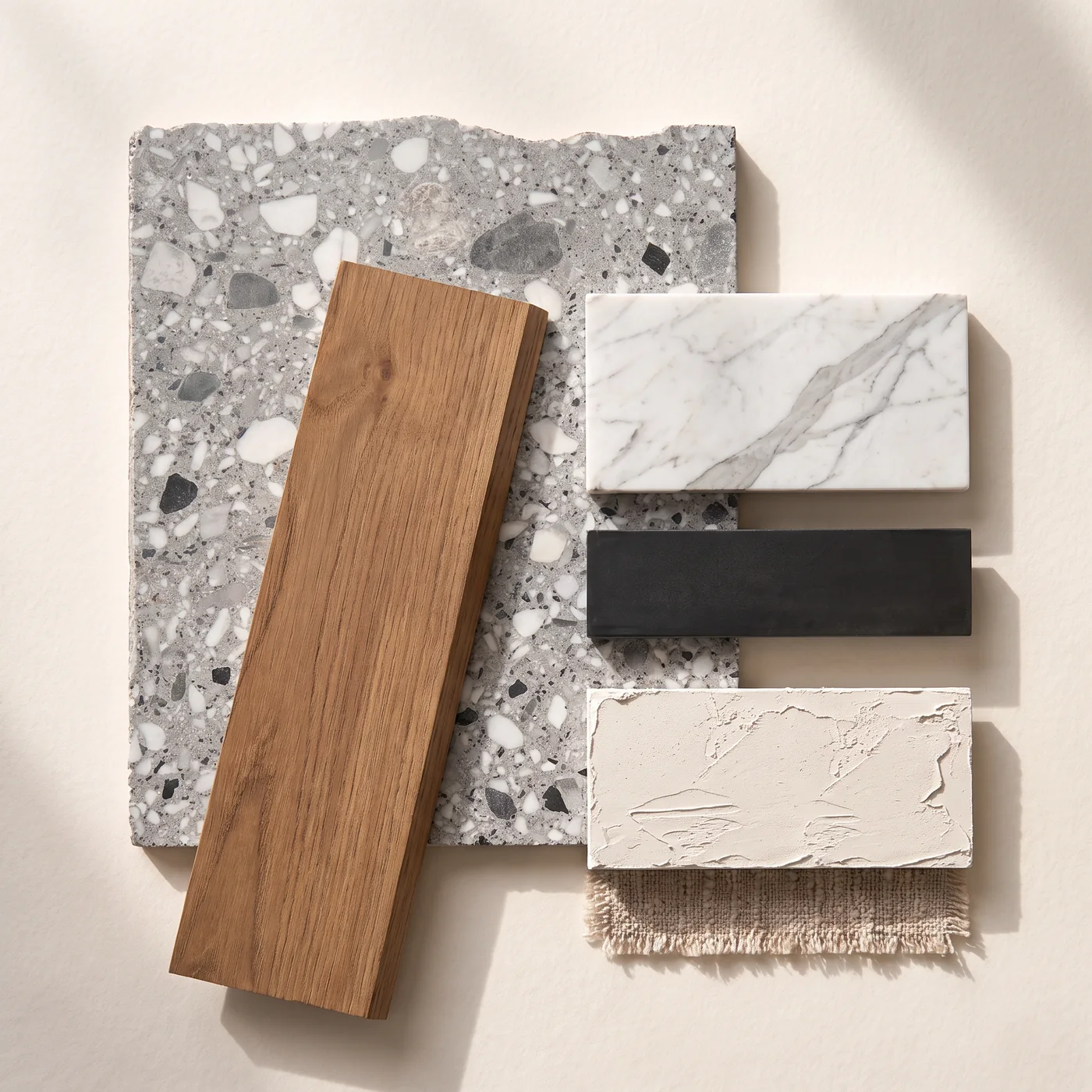
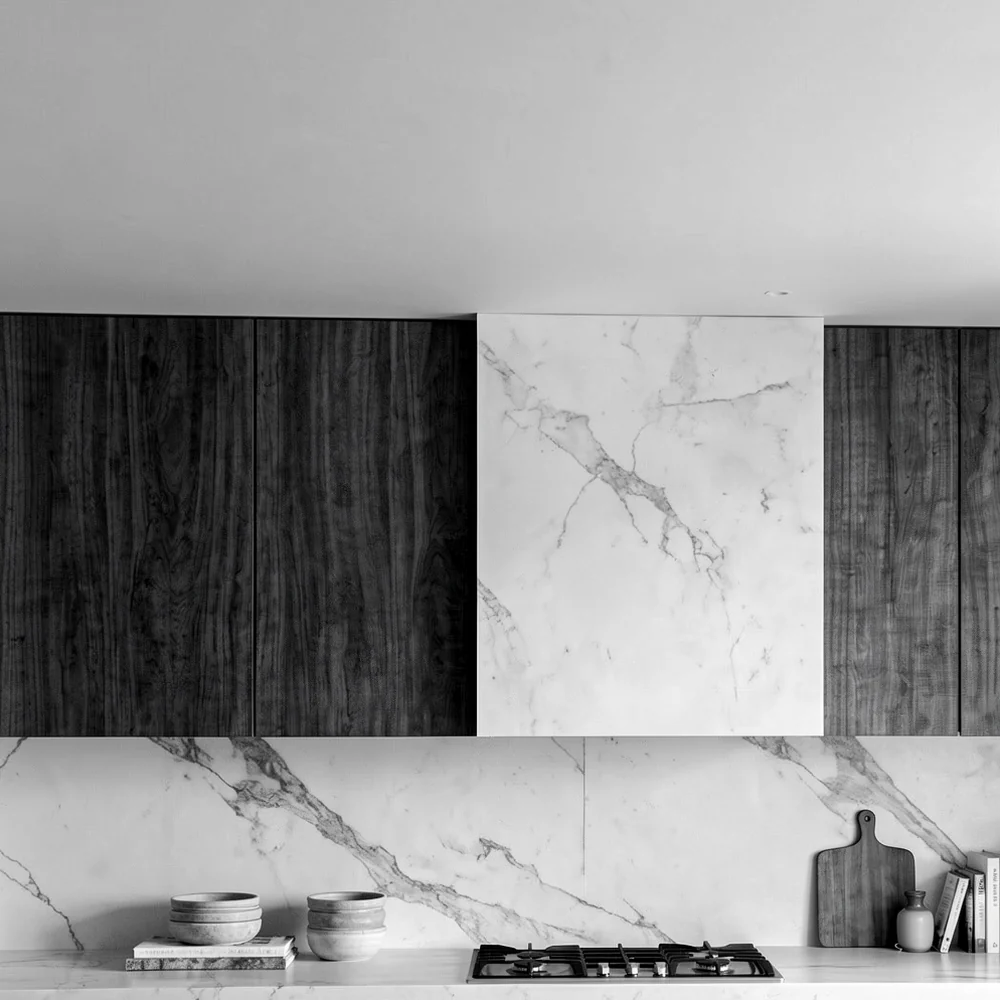
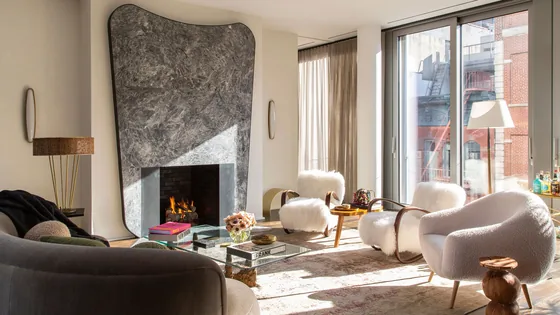
Then drop in the image you kept, as the reference.
Another reference, and the image transforms again.
Next, edit.
Load the image into the mask editor.
Mask
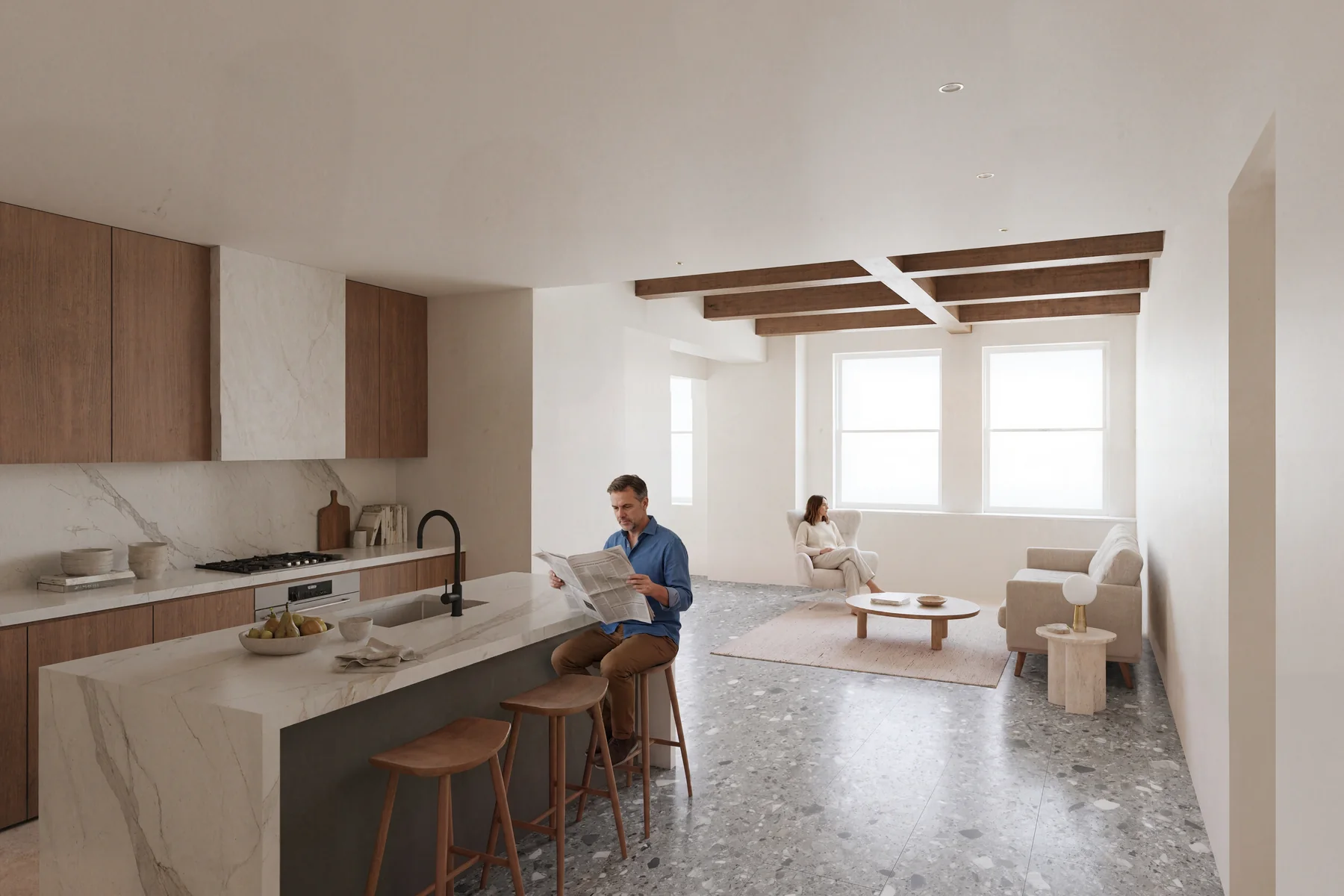
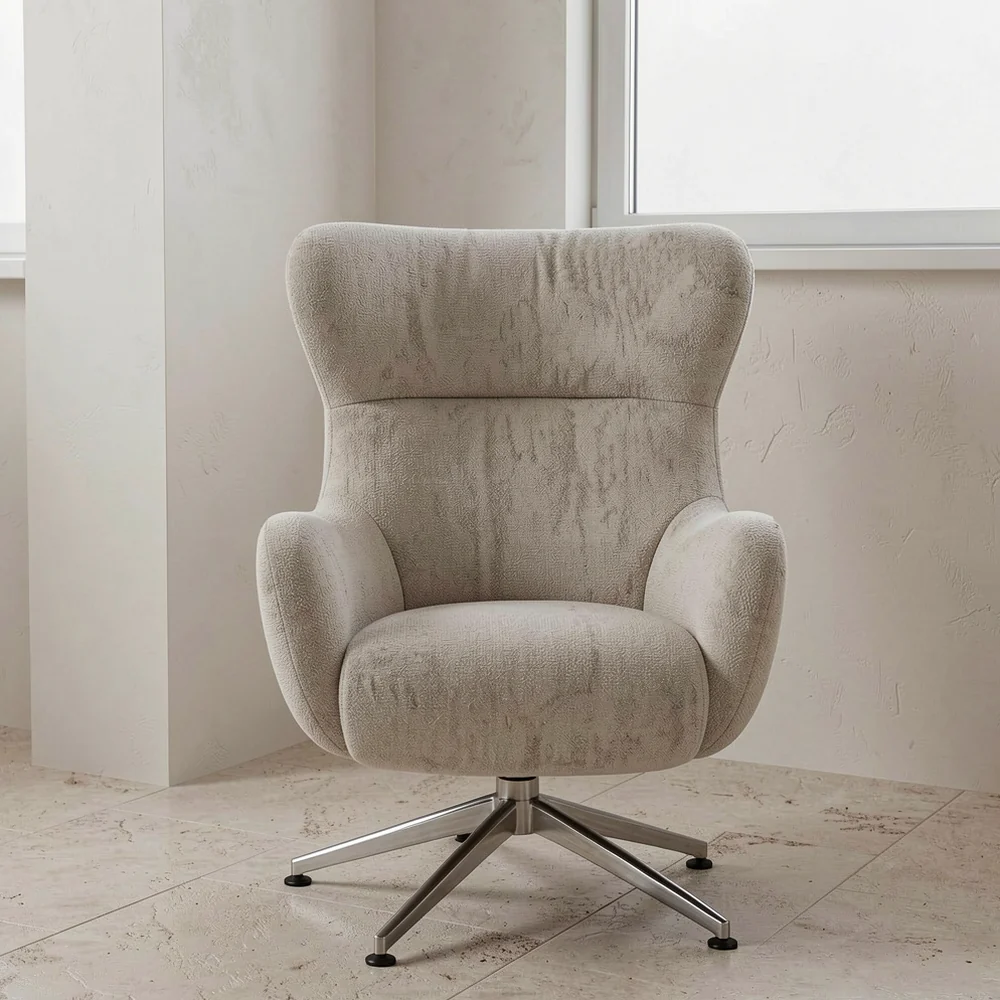
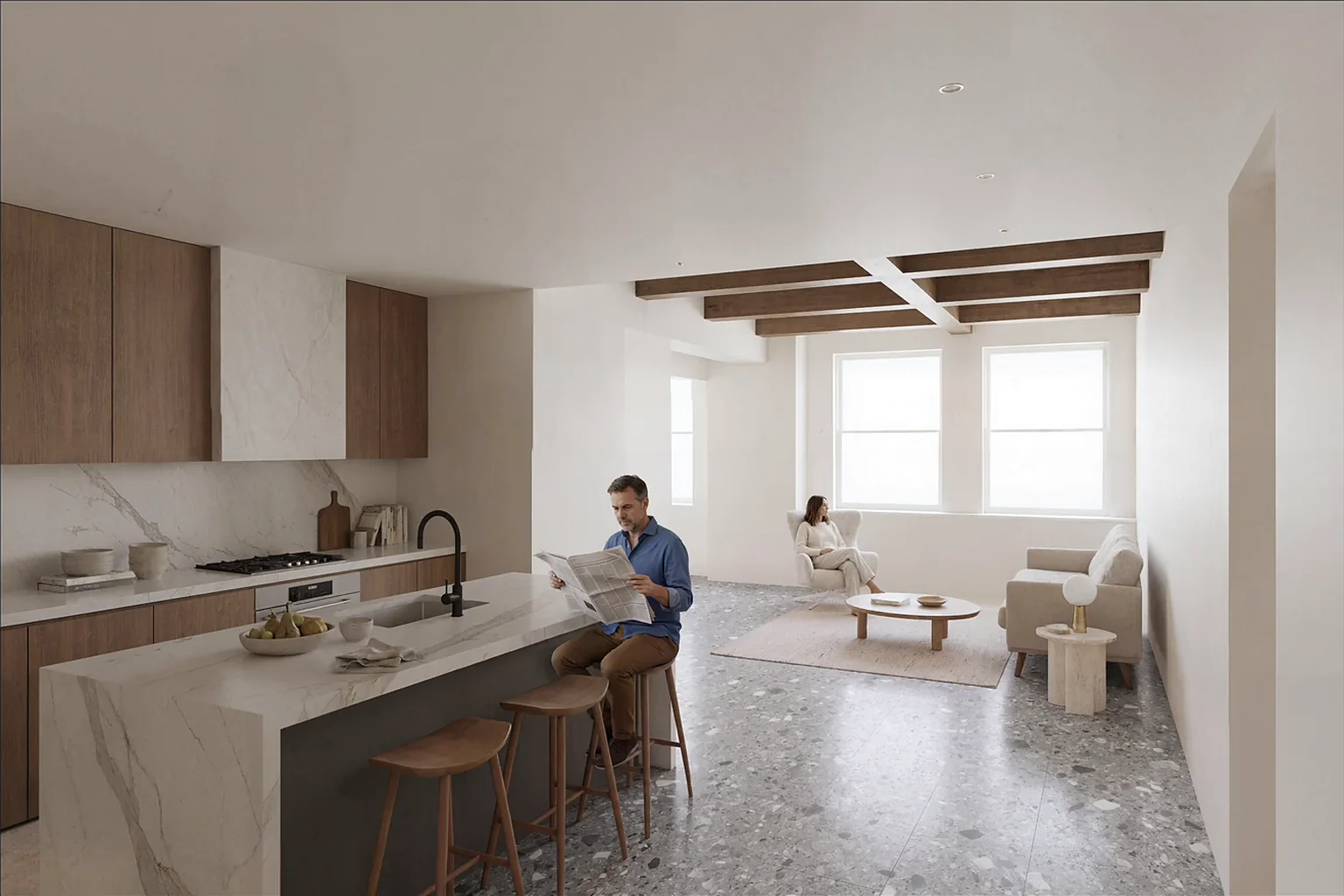
Paint over what should change and say what you want: “add a woman sitting on the chair”.
Scribble
Draw where something should go: “replace the red area with a man sitting on the barstool while reading a newspaper”.
Scribble again
A new scribble changes the pose.
Reference material
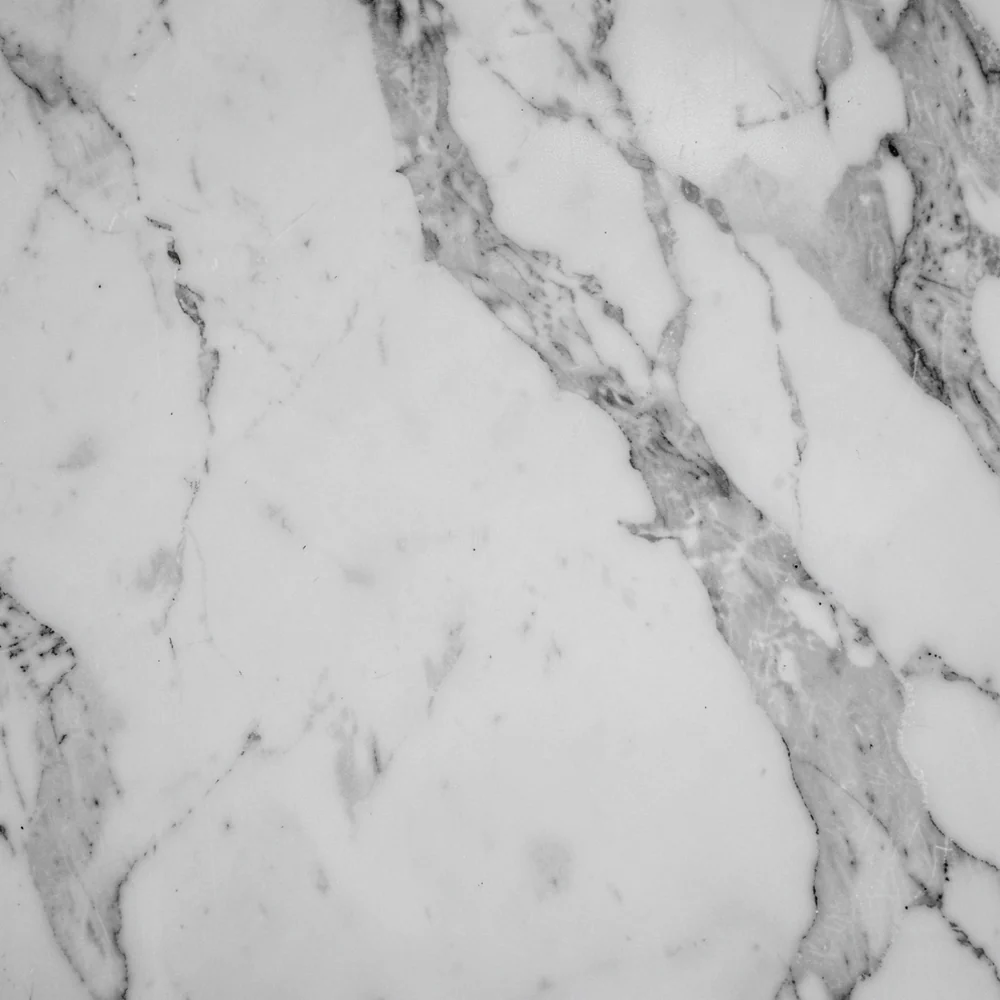
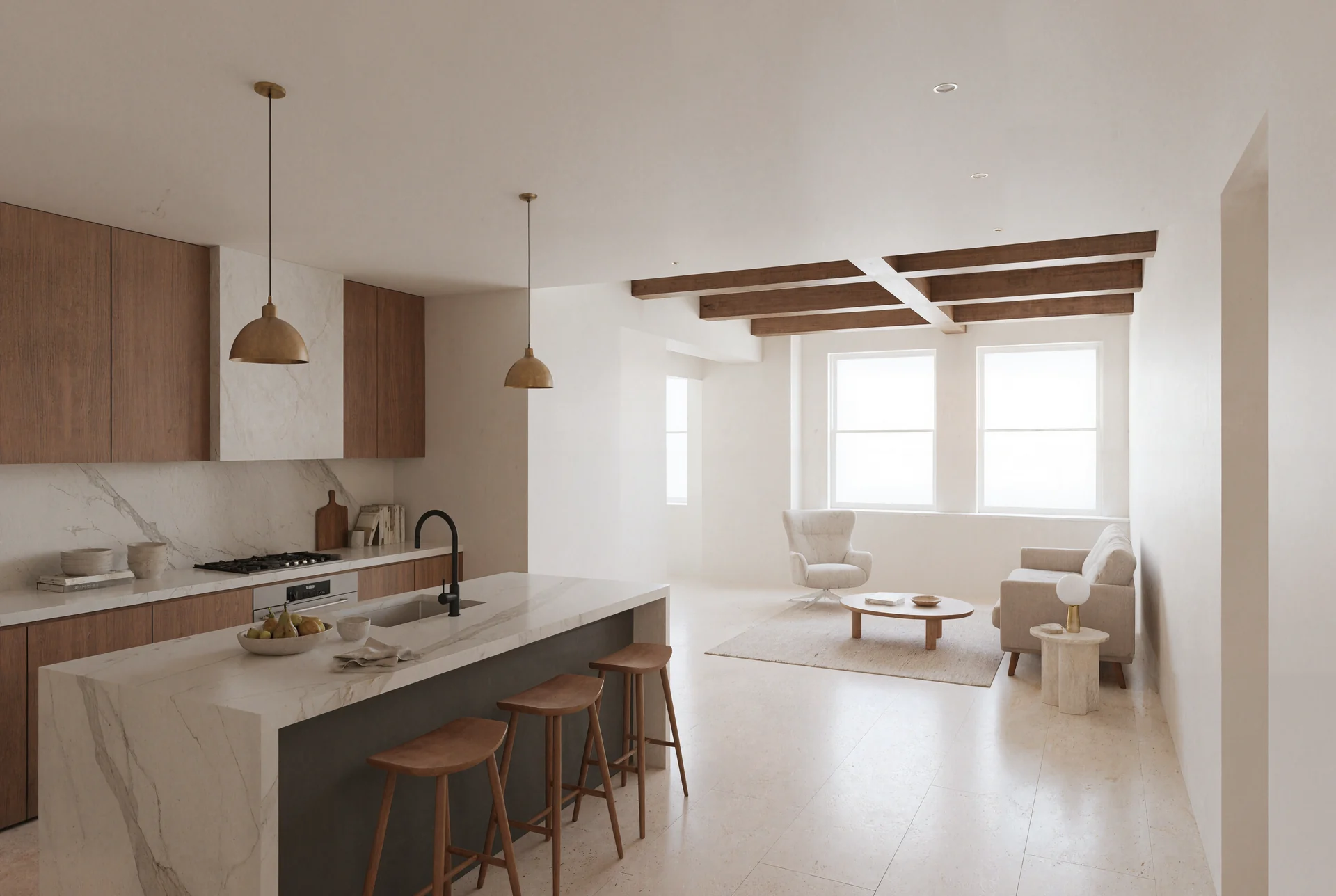
Mask the floor and load a material: “replace the floor material with the grey stone material as seen in the reference image”.
Erase
Mask what should go: “get rid of the hanging pendant lamps”.
Whole image
Without a mask, the prompt changes everything.
Style transfer
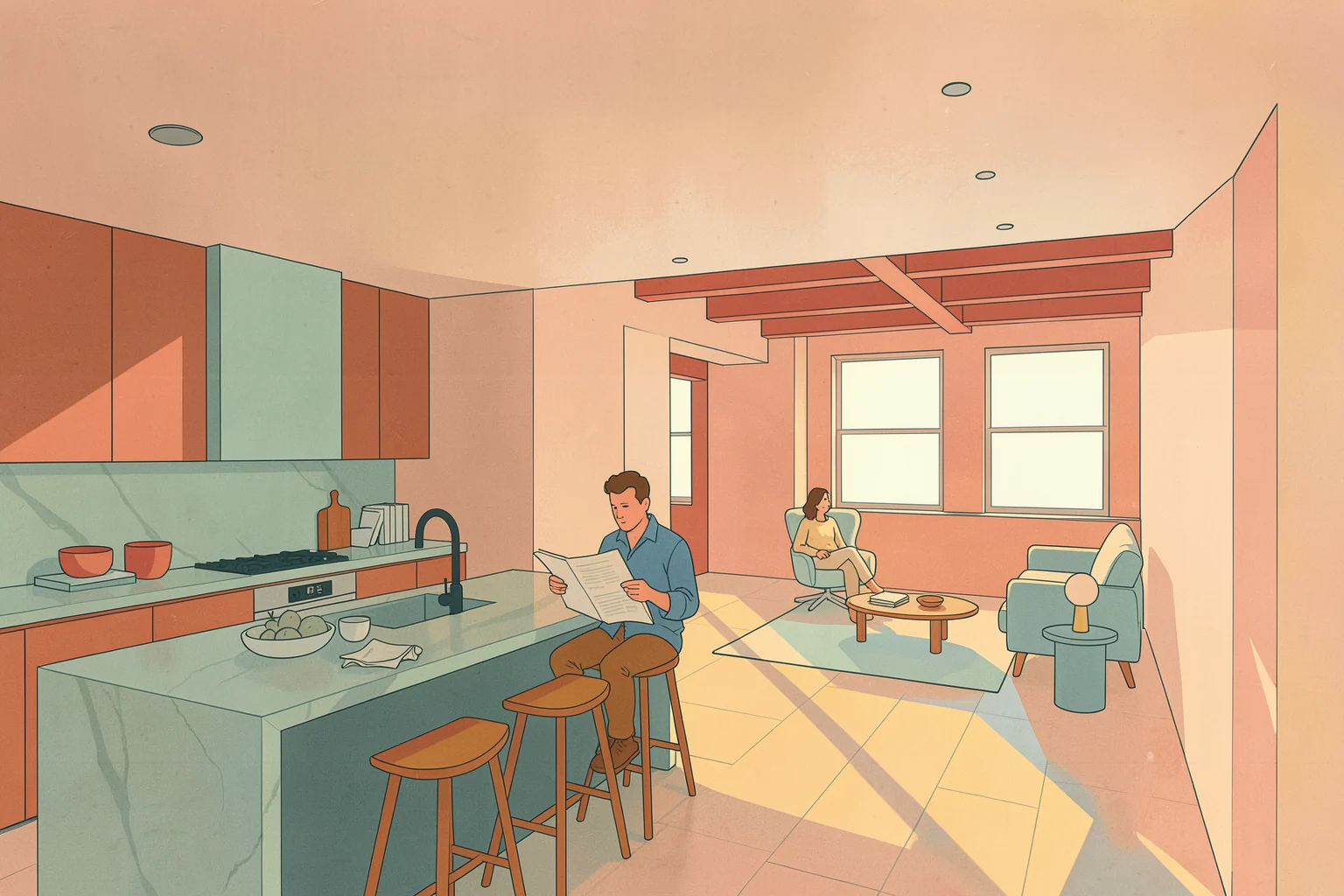
Next, the same image in another style. The input image opens large.
Style transfer
The room stays. The style comes from a reference image.
Postprocess
Opened from the fast buttons. Load the result, then make it large.
Postprocess
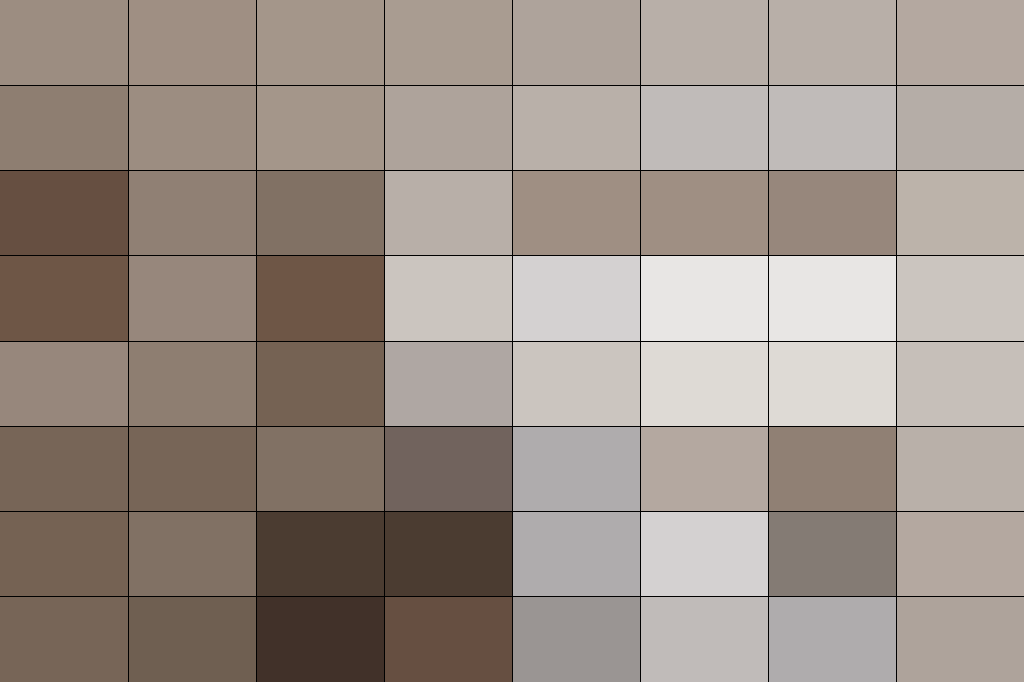
Preset “Document White”, saturation down, exposure up: the tint becomes white paper.
Postprocess
Wipe compare: before and after.
Upscale
Next, more resolution.
Upscale
The image comparer opens from the fast buttons.
Upscale
Before and after, zoomed in. Then the whole image again.
Explore to first result
A prompt, a sketch, a model, the first room.
Prototype
Three more references, three more rooms.
Edit
One image, six changes.
Style
One room, three styles.
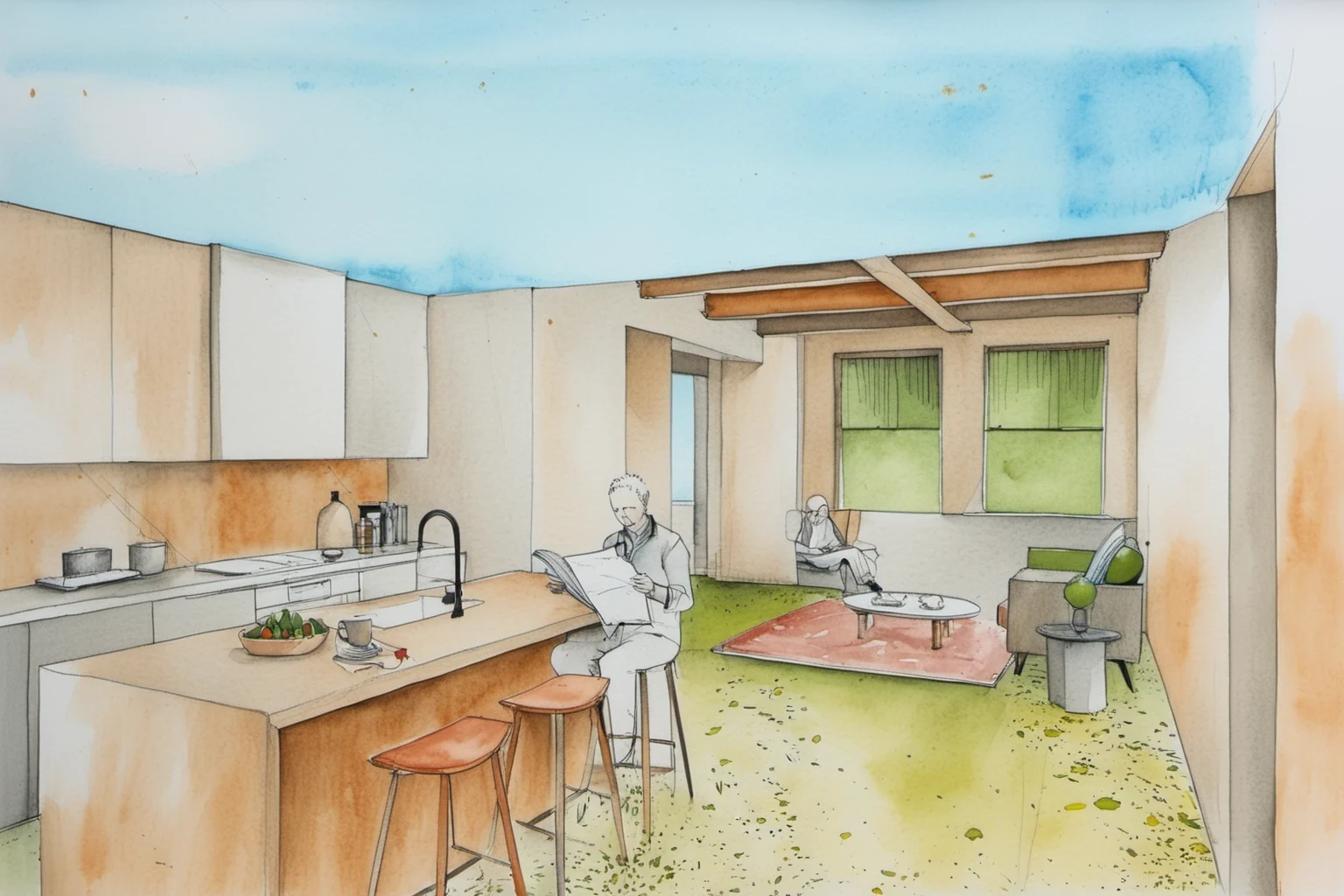
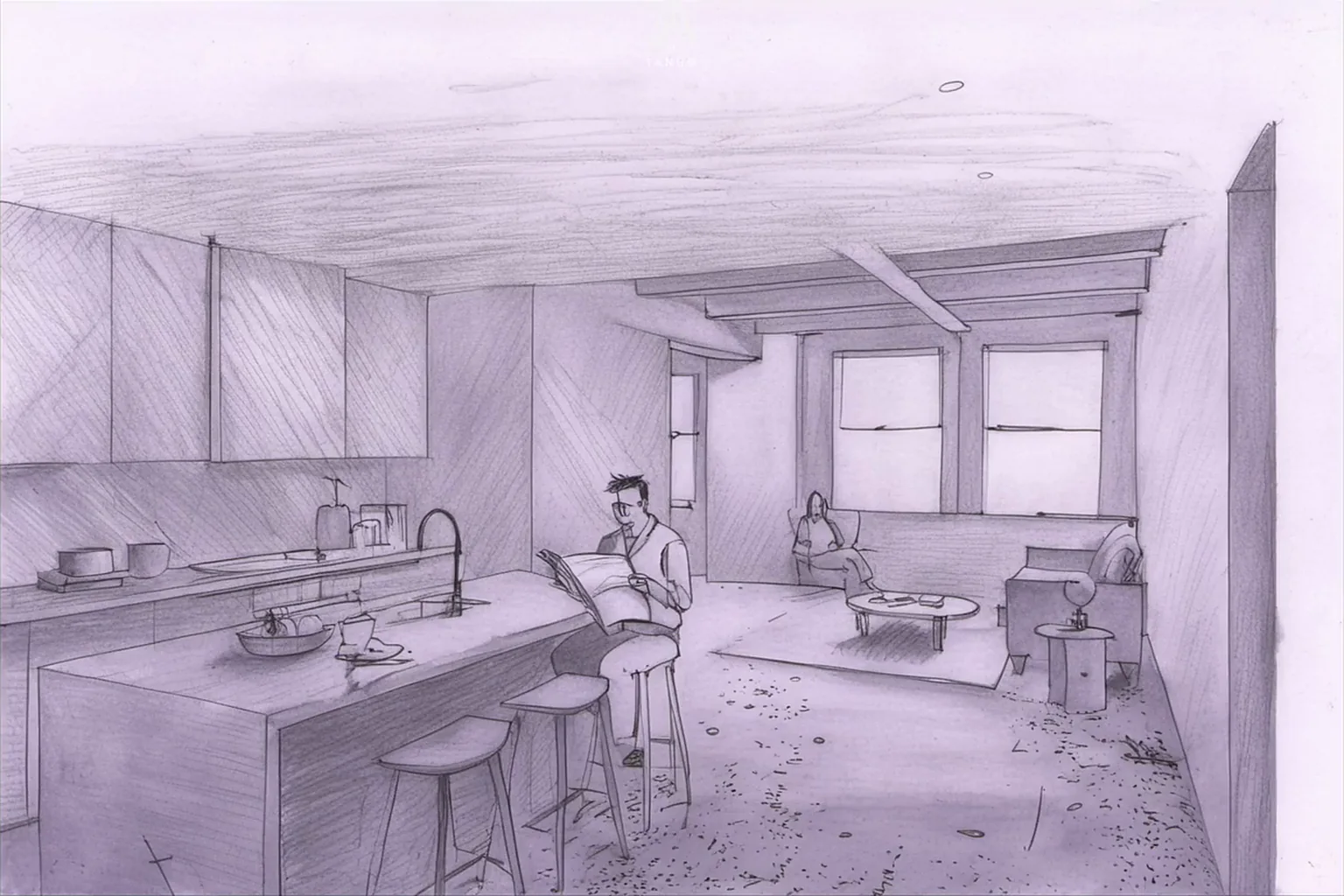
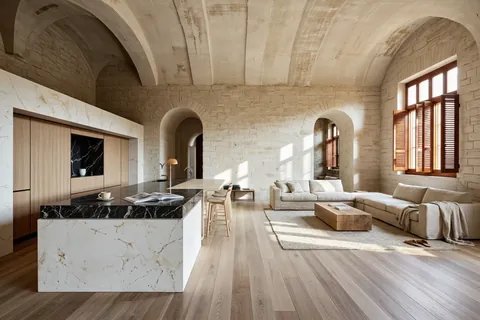
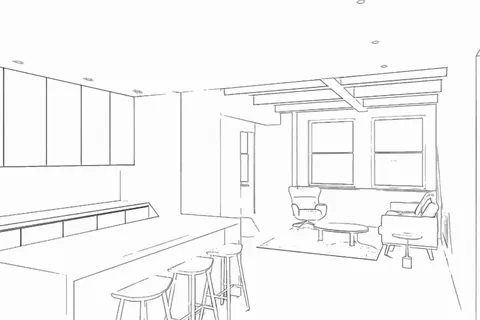
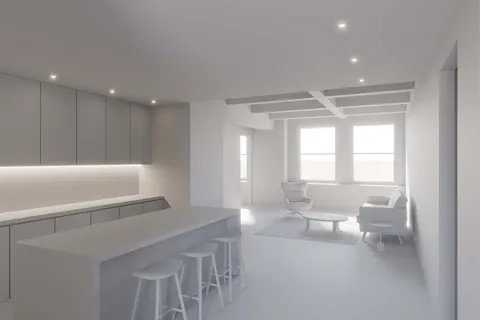
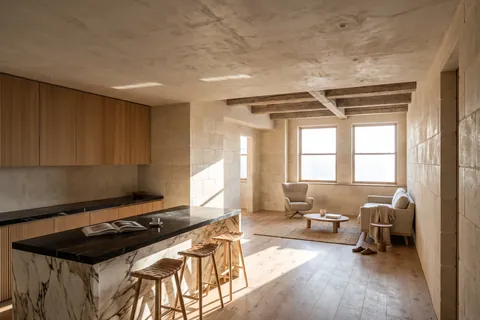
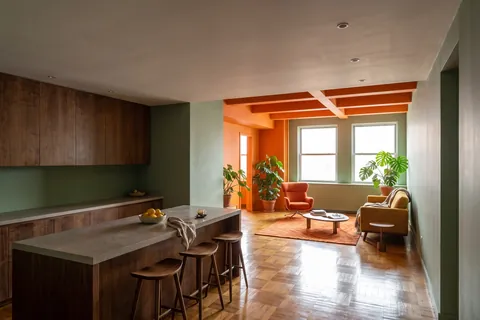
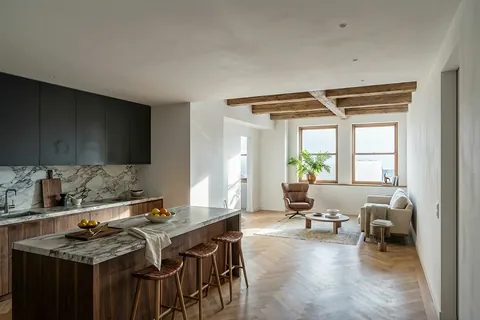
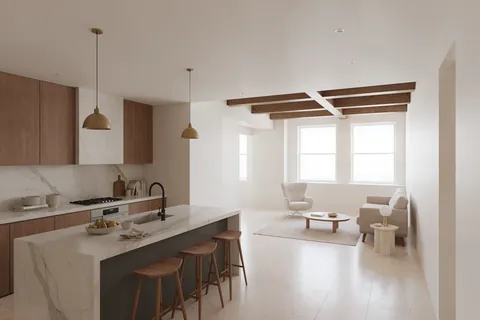
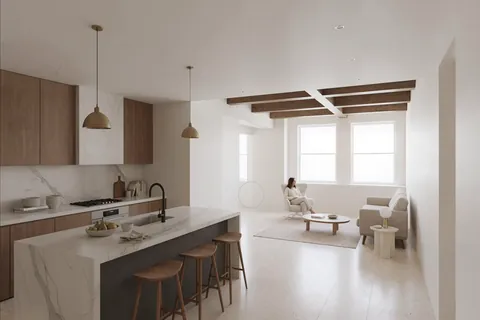
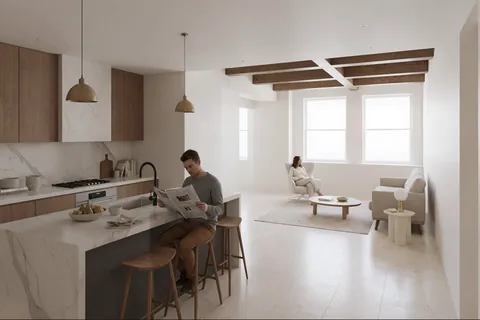
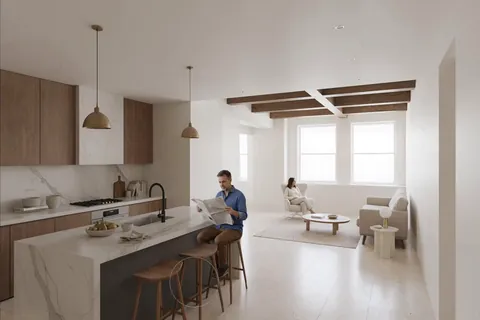
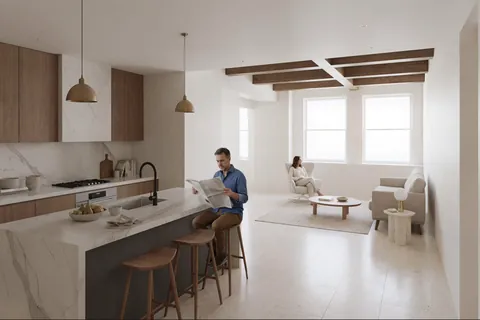
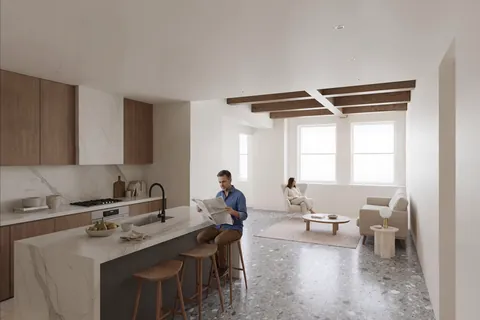
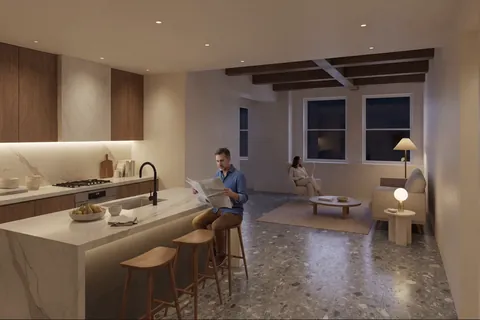
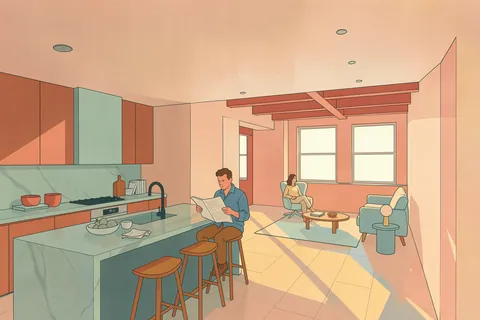
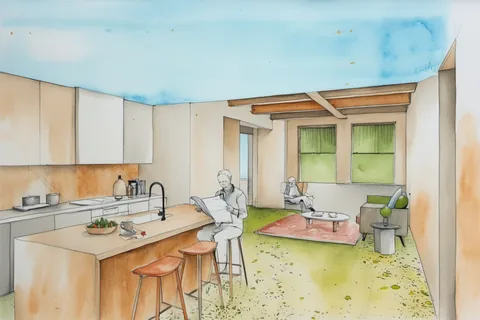
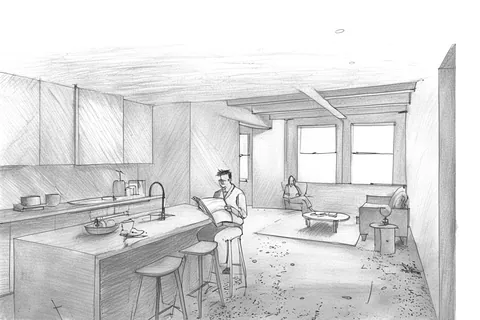
also orient yourself based on attached image.
You
Local prompt assistant
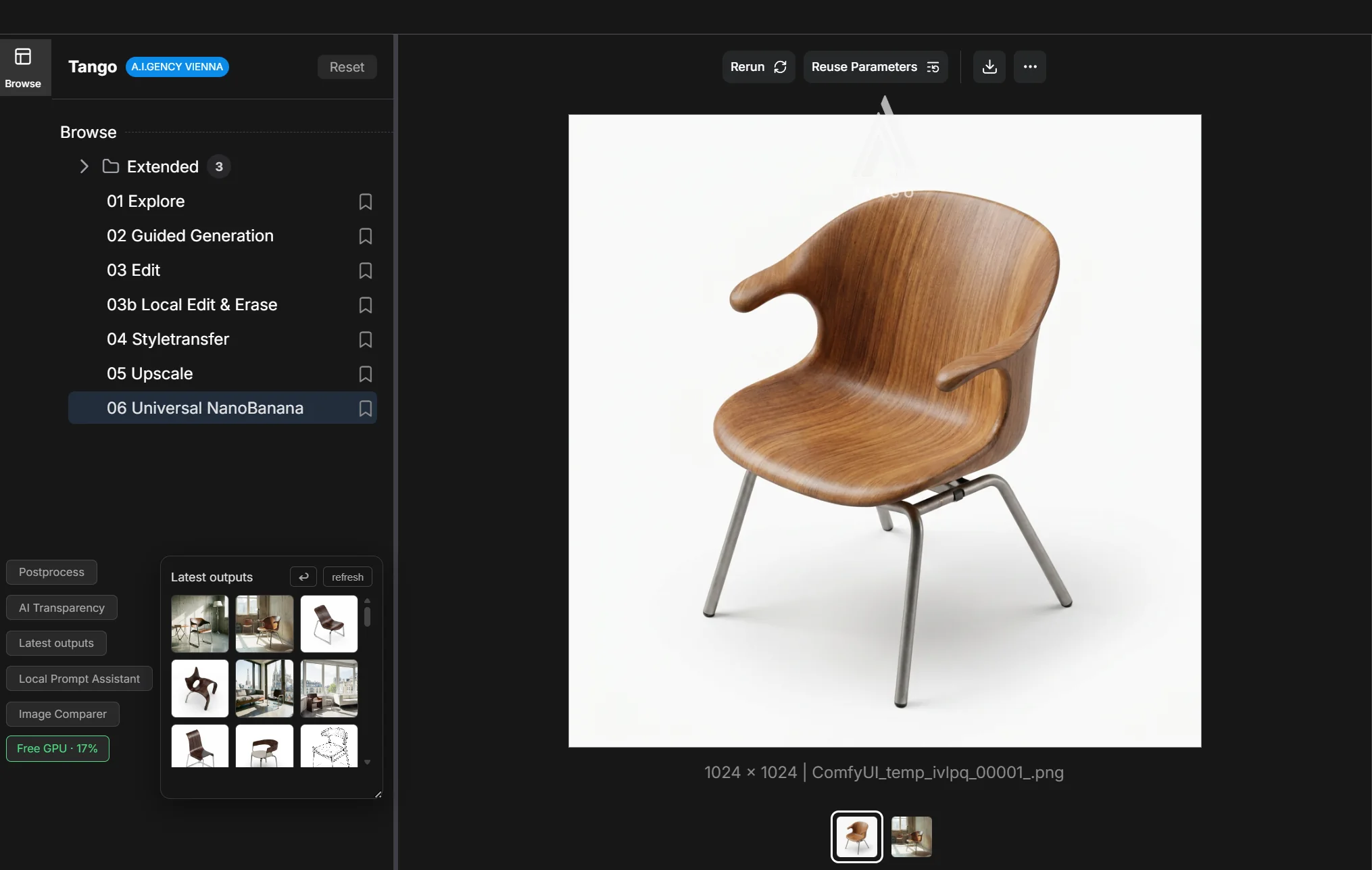
Workflows
A custom, open library for dedicated use cases.
Fast buttons
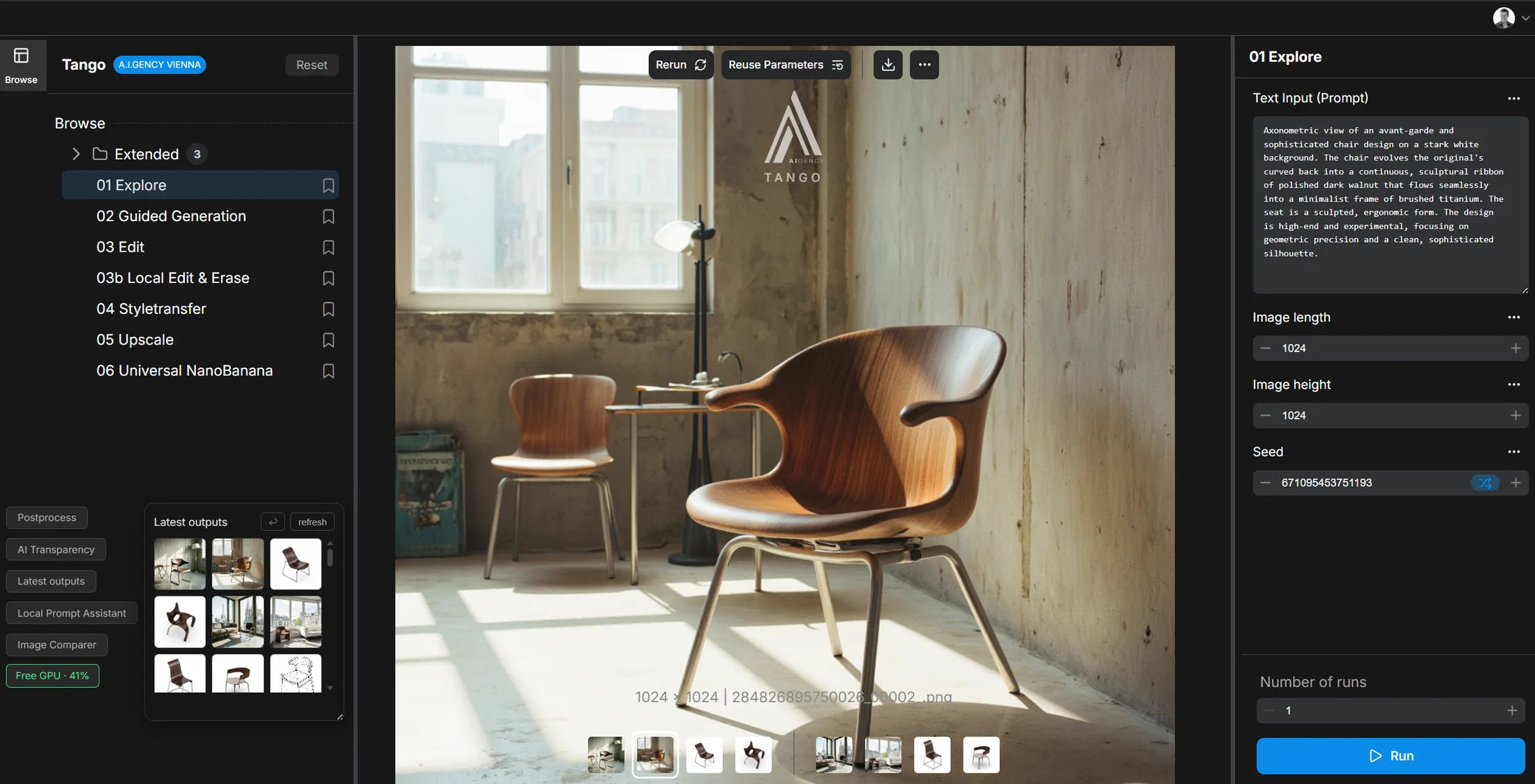
Postprocess, AI Transparency, Latest outputs, Local Prompt Assistant, Image Comparer, Free GPU.
Workflow settings
Options to steer the generation.
Generation canvas
Where every result appears.
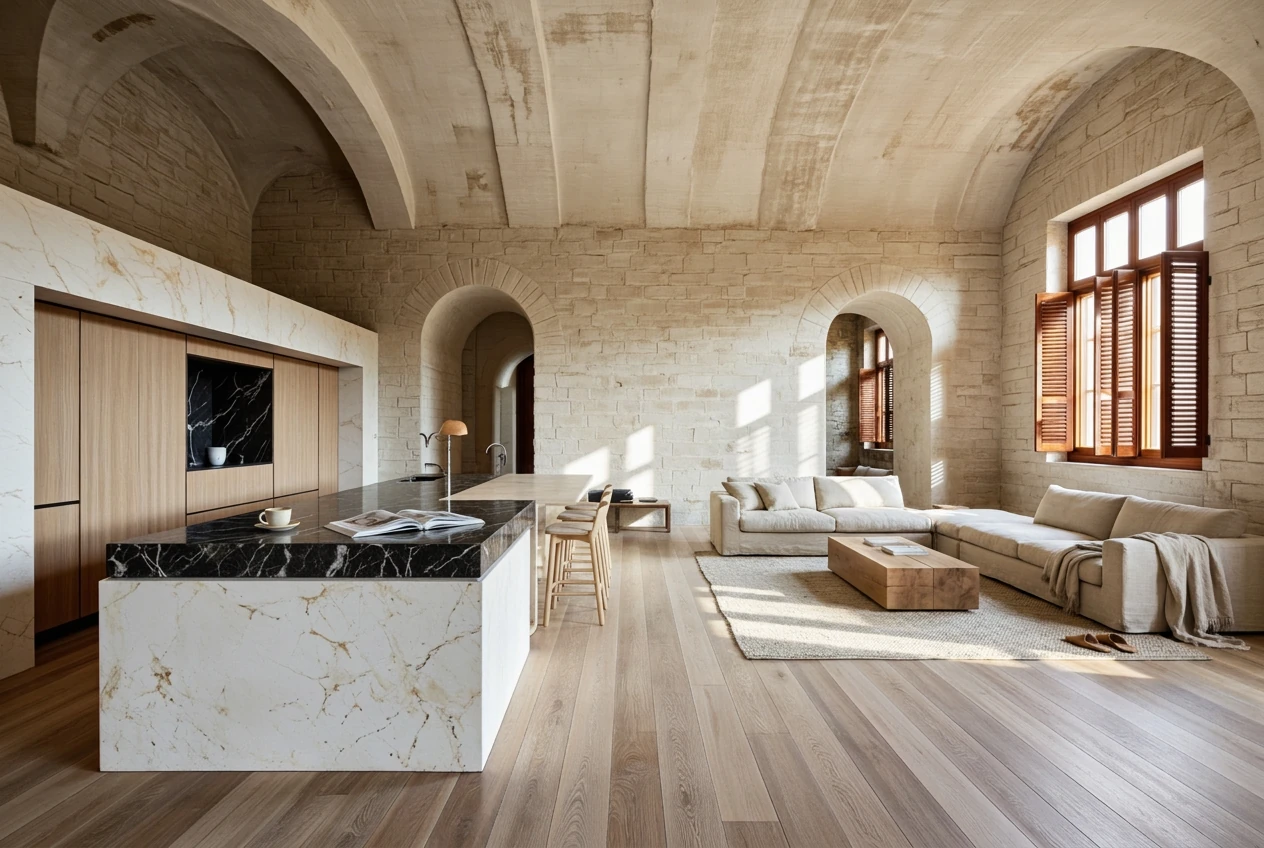
This run is an interior design example.
It works exactly the same for architecture, content and industrial design.
First, let’s start with a prompt.
Next, guided generation.